-
By default Perfex CRM ships with 5 predefined statuses, Not Started, In Progress, On Hold, Cancelled, Finished but you can inject new statuses with si...
-
To create new project go to Projects from the aside menu and click New Project on the top left button.
Project Name – The name of the project &...
-
Project timesheets are all started timers for tasks related to specific project.
To view all project timesheets while viewing the project click on the...
-
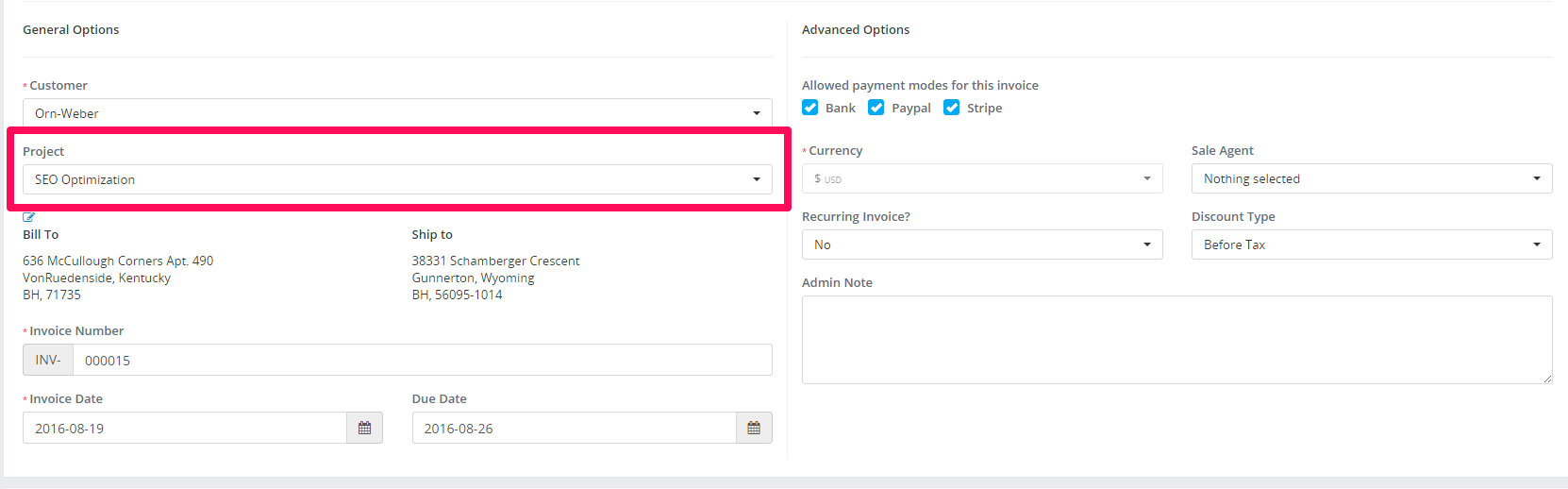
Invoicing project is recomended to do only from the project area via the Invoice Project button on the top right side to keep track of all invoices c...
-
By the default all project related tasks are visible to all project members.If you want only to show the tasks where the staff member is assigned/adde...