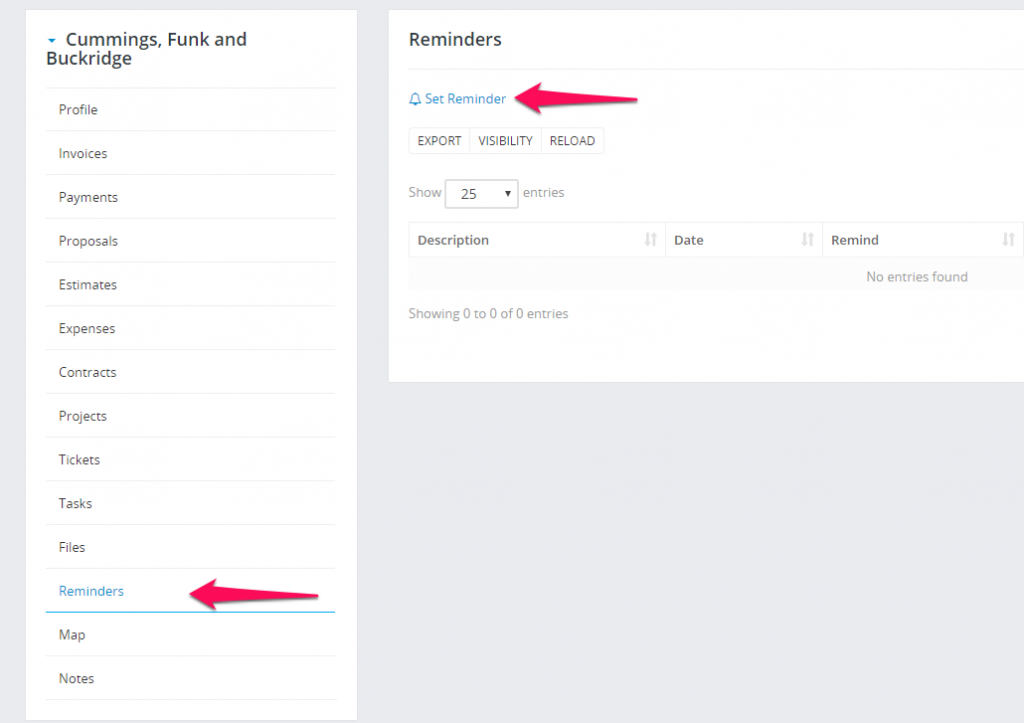
Customer Reminders


You have an option to set customer reminder. This option allows you to never forget anything about your customers.

Setting customer reminder is very easy navigate to the customer profile from admin area and click on the reminders tab.

This feature to work properly you must to have CRON Job Setup


Did you find this article useful?


  • Sending proposal to customer or lead

    We assume that you already have created the proposal. Click on the mail icon from the right side and popup with with the preview email template will b...

  • New Customer Contact

    To create new customer contact, open the customer profile in the admin area that you want to create the contact then click on the tab Contacts. To cre...

  • Customers Registration

    You can enable/disable customers registration from Setup -> Settings -> Customers-> Allow clients to register. Your customers ...

  • Customer admins

    If you dont want to give permission VIEW for staff member to be able to see all customers you can assign staff member as admin to specific customer/s....

  • Exporting Customers Invoices/Estimates/Payment to ZIP

    Go to the customer profile and click on the tab you want to export data eq. invoicesSelect status or just leave it All and click Submit. All invoices ...