Search Knowledge Base Articles
Converting Billable Expense to Invoice
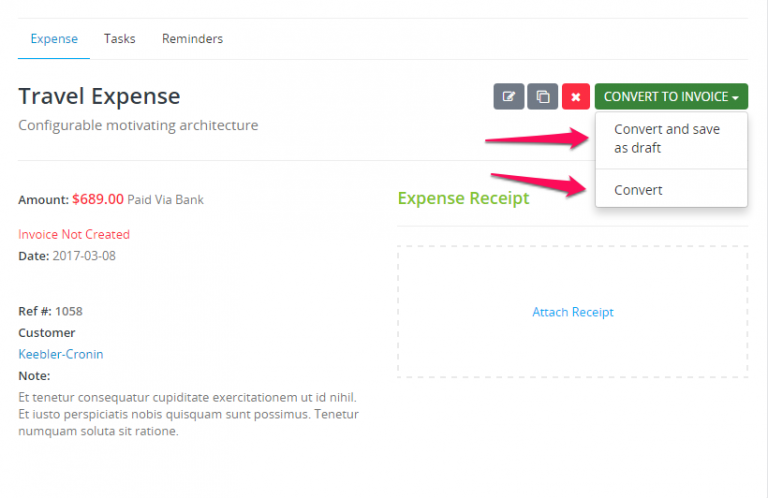
You can convert expense to invoice on if the expense is billable. After you create the billable expense you will be able to see the Convert to Invoice button or you can just convert it and save as Draft. Click and the invoice with all the information will be created automatically.
Did you find this article useful?
Related Articles
-
Expense Reports
There is 3 types of reports for expenses. Yearly report for all expenses including categories. To view full expense report navigate to Reports -&... -
Creating Recurring Expense
Setting up recurring expense is very easy. On the right side Advanced Option you can set when this expense to repeat. Also custom option to fit for yo... -
Billable Expense
You can create billable expense to you customers. When adding new expense select customer and new checkbox will be shown. Check the checkbox billable ... -
Record Expense
To add new expense click on the aside menu Expenses and Record Expense. Name – Enter expense name, this field can be filled for personal usage t...