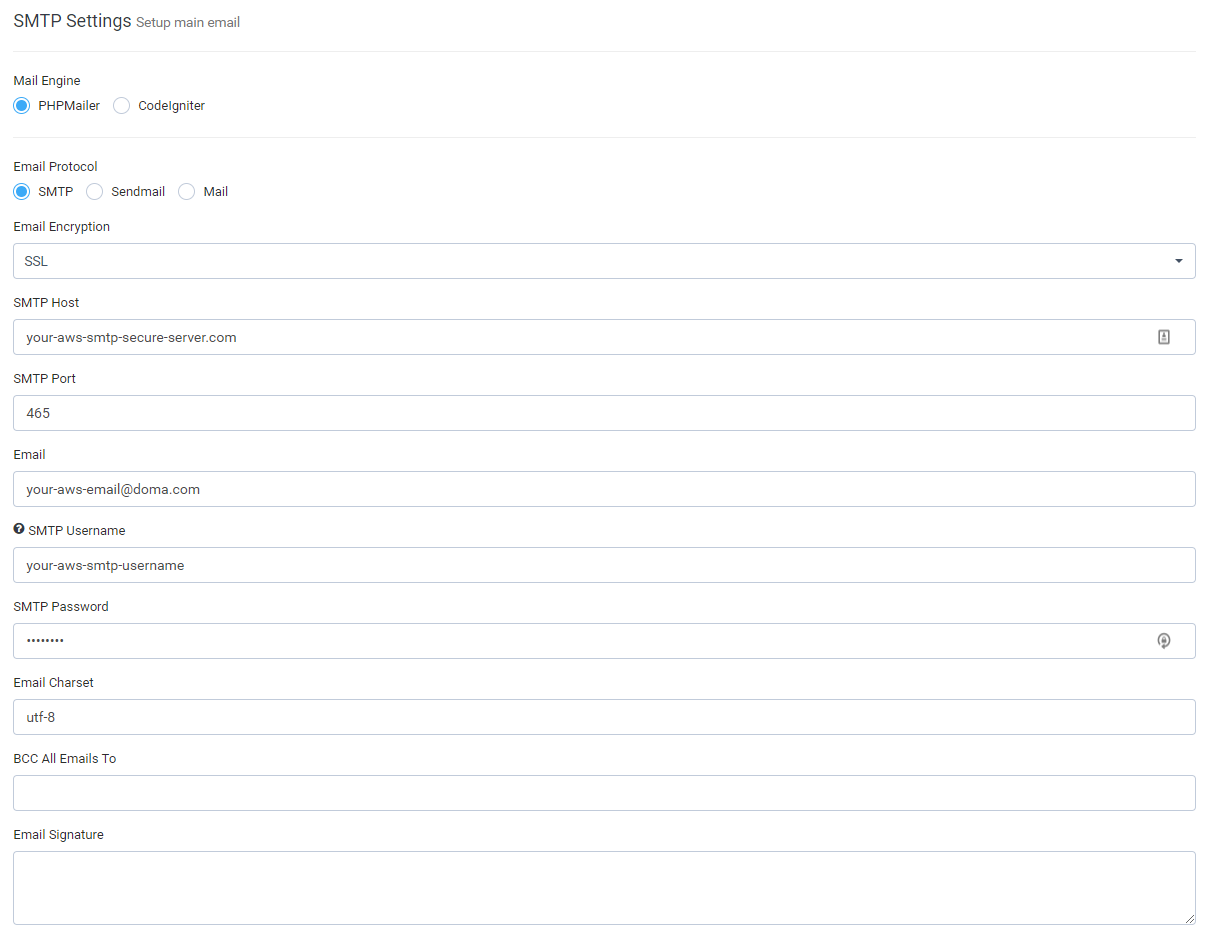
When using AWS for email sending additional steps are required to perform in order to be able to send emails from Project manager. Follow the steps below to to configure SMTP with AWS.
- First make sure that you followed AWS Steps (1 and 2) – http://docs.aws.amazon.com/ses/latest/DeveloperGuide/send-using-smtp-php.html
- Make sure you verified your domain name
- Additional info – http://docs.aws.amazon.com/ses/latest/DeveloperGuide/send-an-email-using-smtp.html
- If you are using version 2 or above, make sure that in Setup->Settings->Email you selected PHPMailer as mail engine.
The email you will enter will be used as FROM email which when using AWS is required. Find the configuration below.